How to Choose the Right Vending Machine Camera_ Complete Beginner's Guide
If you are reading this, you have likely already realized that the vending machine business is not just about selling candy bars in a hallway. After a decade of operating machines across the United States and Europe, I can tell you that the single most overlooked piece of hardware in this industry is the camera system. Choosing the right vending machine camera is not an afterthought—it is a decision that directly impacts your theft rate, your restocking efficiency, and your ability to verify transactions when a customer claims the machine ate their money. In this complete beginner's guide, I will walk you through exactly what to look for, what to avoid, and how to match a camera system to your specific location and business model, based on real operational experience rather than marketing fluff.
Why a Camera Matters More Than You Think
When I started in this business, I focused entirely on the machine itself—the cooler, the payment system, the coil setup. I treated cameras as an optional add-on. That was a costly mistake. Within the first six months, I lost over $1,200 in a single location because of a combination of customer disputes and undetected tampering. A solid camera system would have paid for itself in two months.
The reality is that vending machines operate in unsupervised environments. Whether you place a machine in a hotel lobby, a warehouse breakroom, or a university corridor, you are not there to watch it. The camera is your eyes. It helps you identify who is using the machine, when they are using it, and whether any suspicious behavior occurs around it. More importantly, it provides irrefutable evidence when a transaction fails or when someone tries to force the machine open.
Beyond security, a good camera system also gives you operational data. You can see which products sell at what time of day, which customers are repeat users, and whether your restocking schedule aligns with actual demand. This is not just about catching thieves—it is about running a smarter business.
Understanding the Different Types of Vending Machine Cameras
Not all cameras are built the same, and not every camera is suitable for every machine or location. Over the years, I have tested several configurations, and I can break them down into a few main categories.
Internal Cameras
Internal cameras are mounted inside the machine, typically behind the glass or near the product dispensing area. They are designed to capture the transaction process itself—what the customer selects, whether the product actually falls, and whether the customer retrieves it. These are extremely useful for resolving disputes. If a customer says the machine took their money but did not dispense a product, the internal camera footage will show exactly what happened.
However, internal cameras have a limited field of view. They cannot capture the broader environment around the machine. If someone tries to pry the door open or vandalize the machine from the outside, an internal camera will not help you.
External Cameras
External cameras are mounted on the outside of the machine or on a nearby wall. They cover the area around the machine, capturing people approaching, using, and leaving the machine. These are essential for deterring theft and vandalism. In my experience, a visible external camera reduces tampering incidents by at least 40 percent. The psychological deterrent effect is real.
The downside is that external cameras are more exposed to weather, dust, and accidental damage. They also require more careful positioning to avoid blind spots and glare from overhead lighting.
Integrated Smart Camera Systems
Modern machines increasingly come with integrated smart camera systems that combine internal and external views into a single unit. These systems often include motion detection, night vision, and cloud storage. Some even use artificial intelligence to alert you when a door is left open or when a product is jammed. I have found these integrated systems to be the most reliable for high-traffic locations, though they come at a higher upfront cost.
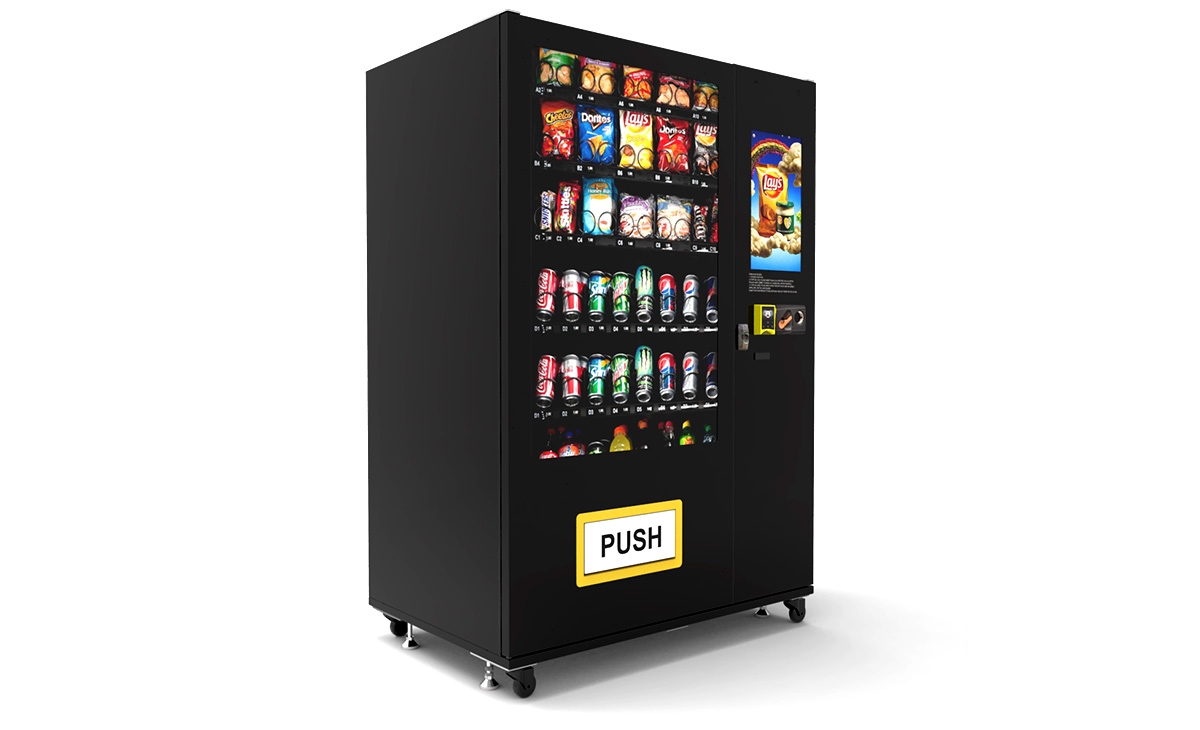
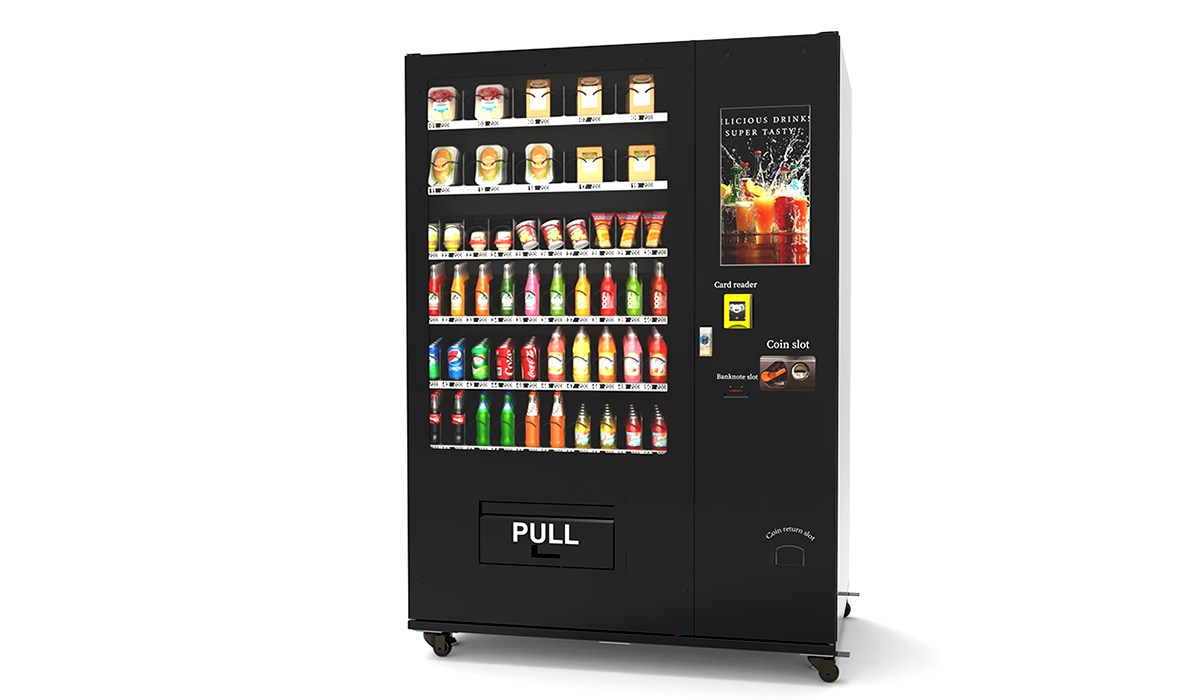
If you are considering a distributor for automated retail equipment, I recommend asking specifically about integrated camera options. Manufacturers like Zhongda Smart now offer machines with built-in camera modules that are pre-configured for remote monitoring. This saves you the hassle of buying and mounting separate hardware.
Key Factors to Evaluate Before Buying a Camera
Before you purchase any camera system, you need to assess your specific situation. Here are the factors I consider every time I evaluate a new location.
Location Type and Risk Level
A machine in a guarded office building has very different security needs than a machine in a public transit station. For low-risk locations, a basic internal camera may suffice. For high-risk locations, you need both internal and external coverage. I once placed a machine in a 24-hour laundromat without an external camera. Within three weeks, someone used a crowbar to pry the coin vault open. That machine had to be completely replaced. An external camera with motion detection would have alerted me to the activity in real time.
Lighting Conditions
Many vending machine locations have poor lighting, especially in corridors, basements, or outdoor areas. If your camera does not have good low-light performance or infrared night vision, the footage will be useless. I have seen operators buy cheap cameras that produce grainy, unusable video after sunset. Do not skimp on night vision capability. It is one of the most important features for any camera that will be used in a 24-hour environment.
Connectivity and Data Storage
Your camera system needs to connect to your network. Some cameras use Wi-Fi, others use cellular data, and some are hardwired. Each option has trade-offs. Wi-Fi is cheap but can be unreliable in basements or metal buildings. Cellular is more reliable but adds a monthly data cost. Hardwired connections are stable but require installation work. For most beginners, I recommend a camera that supports both Wi-Fi and cellular backup, so you have a fallback if the primary connection fails.
Data storage is another critical consideration. Local storage on an SD card is the cheapest option, but if the camera is stolen or damaged, you lose the footage. Cloud storage is safer but comes with a recurring fee. I personally use cloud storage for all my machines because it allows me to access footage from anywhere and ensures that even if the machine is destroyed, the evidence is preserved.
Field of View and Resolution
A camera with a narrow field of view may miss important activity. I recommend a minimum field of view of 120 degrees for external cameras. For internal cameras, 90 degrees is usually sufficient because the space is confined. Resolution matters too. 1080p is the minimum standard today. Anything lower will make it difficult to identify faces or read product labels in the footage.
Real Costs You Should Expect
Let me give you a realistic breakdown of what you will spend on camera systems for your vending machines. These numbers are based on my own purchasing history and conversations with other operators in the United States and Europe.
| Camera Type | Upfront Cost (per unit) | Monthly Data/Cloud Fee | Typical Lifespan | Best For |
|---|---|---|---|---|
| Basic internal camera | $40 – $80 | $0 – $5 | 2 – 3 years | Low-risk indoor locations |
| Basic external camera | $60 – $120 | $0 – $10 | 2 – 3 years | Moderate-risk locations |
| Integrated smart system | $150 – $350 | $10 – $25 | 4 – 5 years | High-traffic or high-risk locations |
| Full multi-camera setup | $300 – $600 | $20 – $40 | 4 – 5 years | Unsupervised outdoor or public locations |
These are estimates. Your actual costs will vary depending on the brand, the installation complexity, and whether you hire a professional to run the wiring. I have seen beginners spend under $50 on a single camera and regret it within months because the footage was too blurry to identify anyone. Conversely, I have seen operators spend over $800 on a multi-camera setup for a single machine and never use half the features. The key is to match the investment to the risk level of the location.
How to Choose a Supplier or Manufacturer
Selecting the right supplier for your vending machine camera is just as important as selecting the camera itself. Over the years, I have worked with several manufacturers and distributors, and I have learned a few hard lessons about what to look for.
First, ask about compatibility. Not every camera works with every machine. If you buy a camera that does not integrate with your machine's control board or payment system, you will end up with a standalone device that requires separate monitoring software. This is manageable, but it adds complexity. I prefer cameras that are designed specifically for vending machines, as they typically plug directly into the machine's power supply and communicate with the same telemetry system.
Second, check the warranty and support. A camera that fails after six months is a waste of money if the manufacturer does not stand behind it. Look for suppliers that offer at least a one-year warranty and have a responsive support team. I have had good experiences with manufacturers that provide remote troubleshooting, as it saves me from having to visit the machine in person for every minor issue.
Third, consider the total cost of ownership. A cheap camera may save you money upfront, but if it requires frequent battery replacements, has poor night vision, or breaks down after a year, the long-term cost is higher. I have found that mid-range cameras from reputable manufacturers offer the best balance of price and reliability. One manufacturer that consistently meets this standard in my experience is Zhongda Smart, which produces machines with integrated camera systems that are built for continuous operation in commercial environments.
Finally, read reviews from other operators. Join vending machine forums, ask questions on social media groups, and talk to other business owners. The vending community is surprisingly open about sharing which products work and which ones do not. Do not rely solely on the manufacturer's website or marketing materials. Real user experiences will tell you more than any spec sheet.
Common Mistakes Beginners Make with Cameras
I have made most of these mistakes myself, and I have watched countless newcomers repeat them. Here are the ones to avoid.
Buying the Cheapest Camera Available
The cheapest camera on Amazon or Alibaba may seem like a good deal, but it will almost certainly disappoint you. Low-cost cameras often have poor sensors, weak infrared LEDs, and flimsy housings that crack under sunlight or cold weather. I bought a $30 camera for a machine in a parking garage. Within two months, the image was so foggy from condensation that I could not tell whether the person in the frame was a customer or a repair technician. I ended up replacing it with a $90 camera that has been running for three years without issues.
Ignoring the Field of View
I have seen operators mount a camera directly above the machine, thinking it covers everything, only to realize later that the camera only captures the top of people's heads. Always test the field of view before finalizing the installation. Walk around the machine, simulate different angles, and check for blind spots. A camera that misses the area where the cash door is located is almost useless.
Neglecting Power and Connectivity
Some cameras require a constant power source, while others run on batteries. Battery-powered cameras are convenient for quick installation, but they require frequent replacement or recharging. In a busy location, a dead battery means no footage for days before you notice. Similarly, a camera that relies on a weak Wi-Fi signal will drop recordings and fail to send alerts. Always test the connectivity at the exact location where the camera will be installed.
Not Testing the Camera Before Deployment
I once installed a brand new camera on a machine, mounted it securely, and left the site without testing the live feed. When I checked the footage three days later, the camera had been recording only static because the lens cap was still on. A simple five-minute test would have saved me three days of useless footage. Always test the camera on site before you leave.
Location Selection and Camera Suitability
The location of your vending machine directly influences what camera system you need. Here is how I evaluate different types of locations based on my own portfolio.
Office Buildings and Breakrooms
These are generally low-risk locations. Employees are less likely to vandalize or steal from a machine in their own workplace. A single internal camera or a basic external camera is usually sufficient. I have machines in several office buildings where I use only a $50 internal camera, and I have never had a theft issue. The main value of the camera in these locations is resolving transaction disputes.
Hotels and Hospitality
Hotels are moderate risk. Guests may attempt to tamper with the machine, and cleaning staff may accidentally damage it. I recommend an external camera with night vision and cloud storage. Hotels often have good Wi-Fi, so connectivity is usually not a problem. I also advise positioning the camera to cover the approach path, not just the machine itself, because disputes in hotels often involve guests claiming they never used the machine at all.
Public Transit Stations and Streets
These are high-risk locations. Theft, vandalism, and tampering are common. I use multi-camera setups with both internal and external views, plus cellular backup for connectivity. The cameras must be weatherproof and have strong infrared night vision. In these locations, the camera system often costs as much as the machine itself, but it is worth it. According to a 2022 report by the National Automatic Merchandising Association (NAMA), theft and vandalism account for an average of 3.5 percent of revenue loss in unattended retail environments. A good camera system can reduce that loss by half.
Schools and Universities
Schools present a unique challenge. Students are curious and sometimes mischievous. Cameras in schools must be discreet to avoid drawing attention, but they also need to cover the machine thoroughly. I prefer small internal cameras that are not easily visible from the outside. The footage is useful not only for theft prevention but also for working with school administrators to identify students who may be using the machine inappropriately.
Operational Costs and Return on Investment
Let me give you a realistic picture of what you can expect in terms of costs and returns. These numbers come from my own profit and loss statements over the past five years, cross-referenced with industry data from IBISWorld's 2023 report on vending machine operators in the United States.
A typical vending machine with a basic camera system costs between $3,000 and $6,000 to set up, including the machine, the camera, installation, and initial inventory. Monthly operating costs—including restocking, data fees, electricity, and occasional repairs—range from $150 to $400 per machine, depending on location and product mix.
Monthly revenue per machine varies widely. In a strong location with high foot traffic, I have seen machines generate $800 to $1,500 per month. In weaker locations, revenue can be as low as $200 to $400 per month. Gross margins on products are typically between 25 and 35 percent, though healthier options and specialty items can push margins higher.
Based on these figures, a well-placed machine with a good camera system can pay for itself in 12 to 18 months. Machines in poor locations with inadequate security may never break even. The camera system itself typically pays for itself within 3 to 6 months by reducing theft and dispute-related losses.
According to a 2023 study by the European Vending Association (EVA), operators who use camera monitoring report 28 percent fewer unresolved customer disputes and 22 percent lower inventory shrinkage compared to operators who do not use cameras. These numbers align with my own experience.
How to Use Camera Data to Improve Your Business
A camera is not just a security tool—it is a business intelligence tool. Here is how I use camera footage to make better decisions.
First, I review footage from the busiest times of day to see which products are being selected most frequently. This helps me adjust my inventory mix. If I see that a particular snack is consistently chosen but often out of stock, I increase the column allocation for that item. If another product sits untouched for weeks, I replace it.
Second, I use footage to evaluate restocking efficiency. I can see exactly how long my restocking visits take and whether my staff is following proper procedures. This has helped me reduce restocking time by about 15 percent over the past year.
Third, I monitor customer behavior around the machine. If I see people walking up to the machine, looking at it, and walking away without buying, it may indicate a problem with the payment system, the product display, or the machine's reliability. I have used this observation to identify faulty card readers and broken coil motors that I would not have noticed otherwise.
Legal and Privacy Considerations
Cameras in vending machines raise privacy questions, especially in Europe where GDPR regulations are strict. You need to be careful about where you point your cameras and how you store footage. In general, it is acceptable to record activity in public or semi-public areas, but you should not point cameras at areas where people have a reasonable expectation of privacy, such as restrooms or private offices.
I recommend posting a small sign near the machine indicating that video monitoring is in use. This is not only a legal safeguard in many jurisdictions but also a deterrent to potential thieves. In the European Union, the General Data Protection Regulation requires that you inform individuals about the purpose of data collection and how long the footage will be retained. I keep footage for 30 days and then automatically delete it unless it is needed for an ongoing investigation.
For more detailed guidance, I recommend consulting the European Data Protection Board's guidelines on video surveillance, which are available on their official website. You can find the relevant document at edpb.europa.eu.
FAQ: Frequently Asked Questions About Vending Machine Cameras
Do I really need a camera for my vending machine?
Strictly speaking, no, you can operate a machine without one. But based on my experience, the camera pays for itself within a few months by reducing theft, resolving disputes, and improving restocking efficiency. For any machine in a public or unsupervised location, I consider a camera essential.
How much does a good vending machine camera cost?
A decent internal camera costs between $40 and $80. A good external camera with night vision costs between $60 and $120. Integrated smart systems that combine multiple views and cloud storage range from $150 to $350. The total cost depends on the features you need.
Can I use a regular home security camera?
You can, but I do not recommend it. Home security cameras are not designed for the temperature fluctuations, vibration, and occasional moisture that occur inside or near a vending machine. Vending-specific cameras are built to handle these conditions and often integrate more easily with the machine's power and telemetry systems.
How long does it take to install a camera on a vending machine?
For a simple internal camera, installation takes about 15 to 30 minutes. For an external camera with wiring and mounting, it can take one to two hours. Integrated systems that come pre-installed on the machine require no additional installation time.
What happens if the camera breaks?
If the camera is under warranty, contact the manufacturer for a replacement. If it is out of warranty, you will need to purchase a new one. I keep a spare camera in my inventory so I can replace a failed unit immediately without leaving the machine unmonitored for days.
Do cameras work in outdoor machines?
Yes, but you need a camera rated for outdoor use. Look for an IP65 or higher rating, which indicates protection against dust and water. Outdoor cameras also need stronger infrared LEDs to compensate for ambient light changes.
Can I view camera footage on my phone?
Most modern camera systems offer a mobile app or web interface. I check footage on my phone several times a week, especially after receiving a transaction dispute alert. Make sure the system you choose supports remote viewing before you buy.
Final Thoughts from a Decade in the Business
Choosing the right vending machine camera is not the most glamorous part of this business, but it is one of the most practical. A good camera system protects your investment, reduces your headaches, and gives you data that helps you run a more profitable operation. I have learned through trial and error that cutting corners on security almost always costs more in the long run.
Start by assessing your location risk, your budget, and your technical comfort level. Buy a camera that matches your needs rather than the cheapest option available. Test everything before you leave the site. And do not forget to check the legal requirements in your area, especially if you operate in Europe.
The vending machine business is a long game. Small decisions about equipment and security compound over time. A camera that costs $100 today can save you thousands over the next five years. That is not marketing talk—that is the reality I have lived through.
If you are just starting out, take the time to research your options and talk to experienced operators. The vending community is full of people who have made mistakes and are willing to share what they learned. Use that knowledge to make smarter choices from day one.
This article was updated in February 2025. All data and recommendations are based on the author's personal operational experience and publicly available industry reports.