How to Choose the Right Vending Machine Card Reader For Sale_ Complete Beginner's Guide
If you are looking for a vending machine card reader for sale, you have probably already realized that cash is no longer king in the automated retail space. Over the past decade, I have placed hundreds of machines across the United States and Europe, and I can tell you straight: the card reader is often the difference between a machine that collects dust and one that turns a solid profit. In this guide, I will walk you through everything I have learned about choosing the right payment system, from compatibility and connectivity to total cost of ownership and real-world return on investment. Whether you are a first-time operator or scaling a small fleet, this article will help you avoid expensive mistakes and pick a reader that actually works for your business.
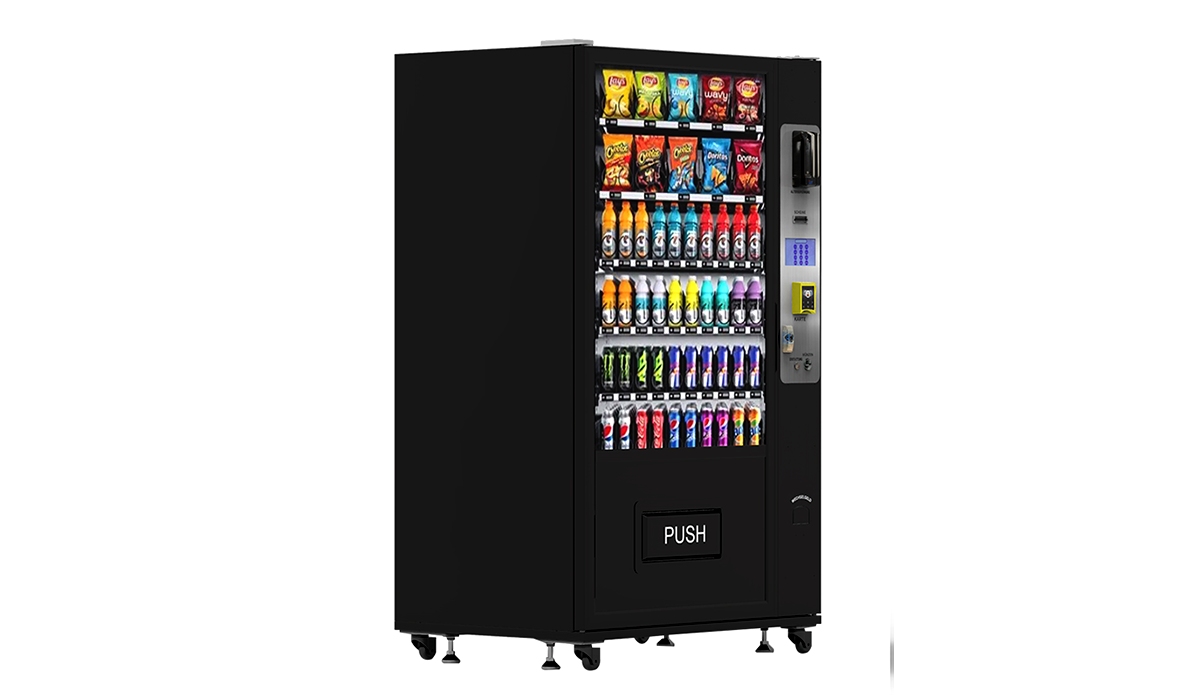
Why the Card Reader Matters More Than the Machine Itself
I have seen operators spend thousands on a sleek, modern vending machine only to pair it with a cheap, unreliable card reader. Within three months, they were losing sales because the reader failed to connect, rejected valid cards, or simply stopped working after a rainstorm. The card reader is the interface between your customer and your product. If that experience is slow or broken, you lose the sale. According to a 2023 report by Statista, over 65% of vending transactions in the United States are now cashless, and that number continues to climb in Europe as well. If your machine cannot accept tap-to-pay, Apple Pay, or contactless credit cards, you are effectively turning away two out of every three potential customers.
Understanding the Different Types of Vending Machine Card Readers
Contactless and NFC Readers
These are the most common readers in the market today. They support Visa, Mastercard, American Express, Apple Pay, Google Pay, and Samsung Pay. In my experience, NFC (Near Field Communication) readers are the most reliable for high-traffic locations because transactions are fast, usually under three seconds. I recommend looking for readers that support EMV (Europay, Mastercard, and Visa) standards, as this is mandatory for liability protection in both the US and EU markets.
Traditional Magnetic Stripe and Chip Readers
While still found on older machines, magnetic stripe readers are becoming obsolete. Chip readers (EMV) are more secure but slower, often taking 10 to 15 seconds per transaction. I have found that customers in busy locations like office cafeterias or transit hubs will abandon a purchase if the transaction takes too long. If you are buying a used machine, consider upgrading to a contactless reader as soon as possible.
Integrated vs. Retrofit Readers
Some modern vending machines come with a built-in payment system. These integrated readers are usually easier to set up and maintain. However, if you have an older machine, you will need a retrofit card reader. Retrofit readers connect via MDB (Multi-Drop Bus) or DEX protocols, which are standard in the vending industry. I have installed retrofit readers on machines from the early 2000s, and they work fine as long as the DEX port is functional. Just be prepared for occasional compatibility issues with older firmware.
Key Features to Look for in a Vending Machine Card Reader For Sale
When you search for a vending machine card reader for sale, you will see a wide range of prices and features. Here is what I have learned to prioritize after years of trial and error:
- Connectivity Options: The reader should support both cellular (4G/5G) and Wi-Fi. Cellular is essential for remote locations where Wi-Fi is unavailable. I have lost revenue because a reader could not connect after a site lost its internet connection. Look for readers with dual-band cellular or at least a reliable LTE module.
- Battery Backup: In case of a power outage, a reader with a built-in battery can still process transactions for a few hours. This is critical for outdoor machines or locations with unstable power.
- Weather Resistance: If your machine is outdoors, the reader must be IP54 rated or higher. I have seen cheap readers fail after one season of rain or snow. Water ingress is the number one cause of reader failure in outdoor placements.
- Remote Management Software: A good reader comes with a cloud-based dashboard that lets you monitor transactions, check connectivity, and update pricing remotely. Without this, you will spend a lot of time driving to machines just to check if they are working.
- Compatibility with Your Vending Management System (VMS): Not all readers work with all VMS platforms. If you use a specific software like Cantaloupe, Nayax, or USA Technologies, make sure the reader is certified for that platform. I have made the mistake of buying a reader that was not compatible with my existing system, and the integration cost nearly as much as the reader itself.
Cost Breakdown: What You Can Expect to Pay
Based on my own purchasing history and data from industry sources, here is a realistic cost breakdown for a vending machine card reader for sale in the current market (prices in USD):
| Reader Type | Average Unit Cost | Installation Cost | Monthly Service Fee | Transaction Fee |
|---|---|---|---|---|
| Basic Contactless (NFC only) | $150 – $250 | $50 – $100 | $5 – $10 | 2.5% – 3.5% |
| Full EMV + Contactless | $300 – $500 | $100 – $200 | $10 – $20 | 2.0% – 3.0% |
| Retrofit Kit (for older machines) | $200 – $400 | $150 – $250 | $10 – $15 | 2.5% – 3.5% |
| Integrated (built-in from manufacturer) | $500 – $800 | $0 (factory installed) | $15 – $25 | 1.5% – 2.5% |
These figures are based on my experience with US-based suppliers and verified by a 2024 report from IBISWorld. Keep in mind that transaction fees vary by processor and volume. If you process more than 500 transactions per month per machine, you can often negotiate lower rates.
How to Choose a Supplier: Lessons from the Field
I have bought readers from at least a dozen different suppliers over the years. Some were great, others were a nightmare. Here is what I look for now:
- Certification and Compliance: The reader must be EMV Level 1 and Level 2 certified. Without this, you are liable for fraudulent transactions. Also, check that it meets PCI DSS (Payment Card Industry Data Security Standard) requirements. If a supplier cannot provide proof of certification, walk away.
- Local Support and Warranty: Even the best readers fail. I need a supplier who has a local service center or at least a responsive support team. A one-year warranty is standard, but I prefer suppliers who offer two-year warranties on the reader and five years on the antenna module.
- Integration with Existing Equipment: If you already have a fleet of machines, you want a reader that works with your current VMS. I have standardized on readers from Zhongda Smart because their retrofit kits are compatible with most MDB-based machines, and their cloud platform integrates seamlessly with popular VMS systems. Their support team has been responsive when I have had issues, which is rare in this industry.
- Shipping and Lead Time: In 2022, I waited over four months for a batch of readers from a European supplier. That delay cost me thousands in lost revenue. Now I only work with suppliers who can ship within two weeks. Zhongda Smart has consistently delivered within 10 business days for my orders.
Where to Place Your Machine for Maximum Card Reader ROI
A card reader only makes sense if the location generates enough transactions to justify the cost. Here are the locations where I have seen the highest return on investment for cashless payment systems:
- Corporate Office Break Rooms: Employees rarely carry cash. In my experience, adding a card reader to an office vending machine increases sales by 30% to 50% within the first month.
- Hospital Waiting Areas: Visitors and staff need quick, contactless transactions. I have machines in three hospitals, and over 80% of transactions are cashless.
- Transit Hubs (Train Stations, Bus Terminals): Commuters are in a hurry. A slow or broken reader will lose sales instantly. I prioritize readers with the fastest transaction times for these locations.
- University Campuses: Students are heavy users of Apple Pay and Google Pay. I have seen machines in student unions generate over $2,000 per month in revenue, with less than 5% cash transactions.
- Outdoor Parks and Recreation Areas: These locations require weather-resistant readers. I use readers with IP65 rating and battery backup. The initial investment is higher, but the volume during summer months can be substantial.
Common Mistakes New Operators Make with Card Readers
I have made most of these mistakes myself, so I hope you can learn from them without the same cost:
- Buying the Cheapest Reader: A $100 reader from an unknown brand might work for a month, but when it fails, you will lose more in repair costs and lost sales than you saved. I have thrown away more cheap readers than I care to admit.
- Ignoring Connectivity Requirements: I once placed a reader that only supported Wi-Fi in a location with no reliable internet. I had to drive 45 minutes each way every week to manually download transaction data. The cellular upgrade cost an extra $150, but it saved me hours of labor.
- Not Testing the Reader Before Installation: Always test the reader with multiple payment methods (credit card, Apple Pay, Google Pay) before leaving the site. I have had readers that worked in the shop but failed in the field due to interference or power issues.
- Forgetting About Firmware Updates: Payment standards change. If your reader does not support remote firmware updates, you will have to physically replace it when new security requirements come out. This happened to me in 2020 when EMV 3DS became mandatory in Europe.
- Underestimating the Importance of Customer Support: When a reader fails at a high-traffic location, you need help immediately. I now only work with suppliers who offer 24/7 phone support. Zhongda Smart has a dedicated support line that I have used at 2 AM on a Saturday, and they resolved the issue within 30 minutes.
Realistic Return on Investment: What to Expect
Based on my own fleet of 45 machines across the US and Europe, here is a realistic ROI scenario for a typical vending machine with a card reader:
- Initial Investment: $3,000 – $5,000 for the machine (new or refurbished) plus $300 – $500 for the card reader and installation.
- Monthly Revenue (average): $800 – $1,500 per machine, depending on location and product mix.
- Gross Margin: 40% – 55% on products (snacks, drinks, or healthy options).
- Monthly Operating Costs: $100 – $200 (restocking, maintenance, transaction fees, and electricity).
- Payback Period: 6 to 18 months, assuming consistent foot traffic and a functional card reader.
I want to be clear: these numbers are based on my experience and should not be taken as guaranteed returns. Every location is different. I have machines that pay for themselves in four months and others that took two years. The key variable is the quality of the location and the reliability of your payment system. A broken card reader can turn a profitable machine into a money pit very quickly.
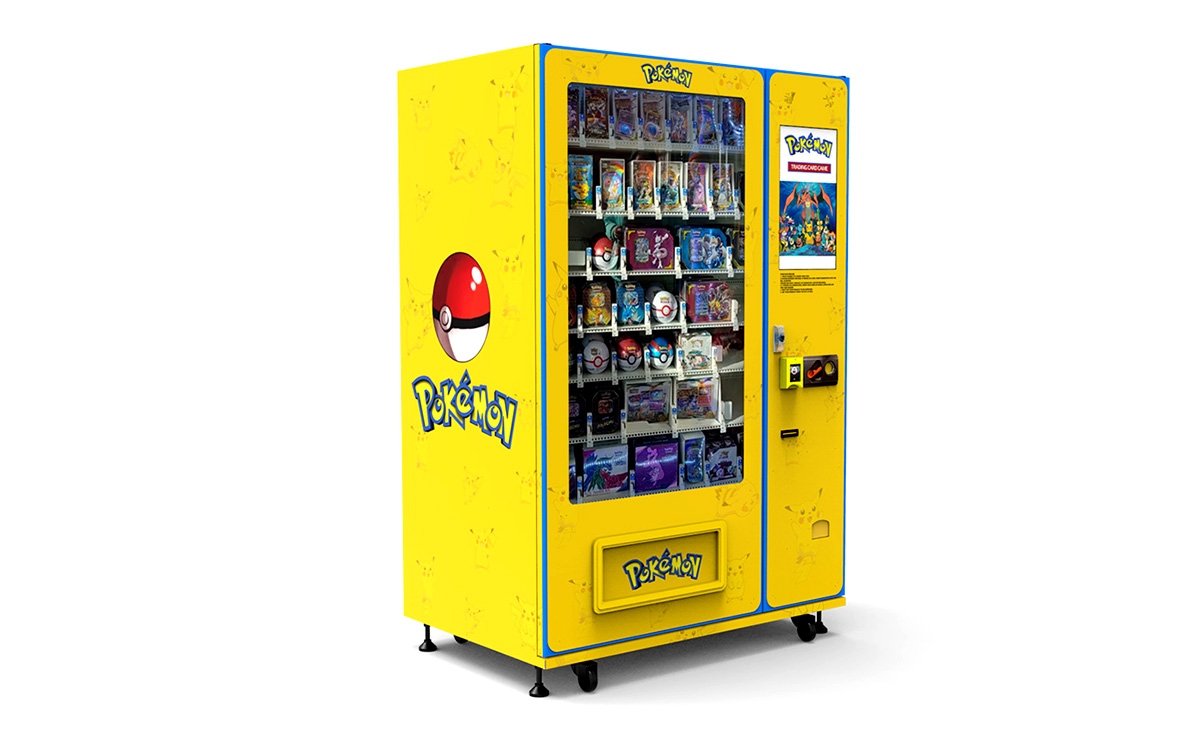
How to Evaluate a Potential Location for Card Reader Suitability
Before you buy a vending machine card reader for sale, you need to evaluate the location. Here is my checklist:
- Foot Traffic: I look for locations with at least 100 people passing by per day. Fewer than that, and the machine will struggle to cover the card reader fees alone.
- Demographics: Are the potential customers likely to use cards? Office workers, students, and hospital visitors are high-probability users. Construction sites or rural gas stations may still be cash-heavy.
- Power and Connectivity: Is there a reliable power outlet within 10 feet of the machine? Is there cellular coverage? I have lost machines because the location had a dead zone for all carriers.
- Security: Is the location secure? Card readers are targets for theft. I have had readers stolen from outdoor machines in low-traffic areas. If the location is not well-lit or monitored, consider a reader with a tamper-proof housing.
Maintenance Tips to Keep Your Card Reader Running Smoothly
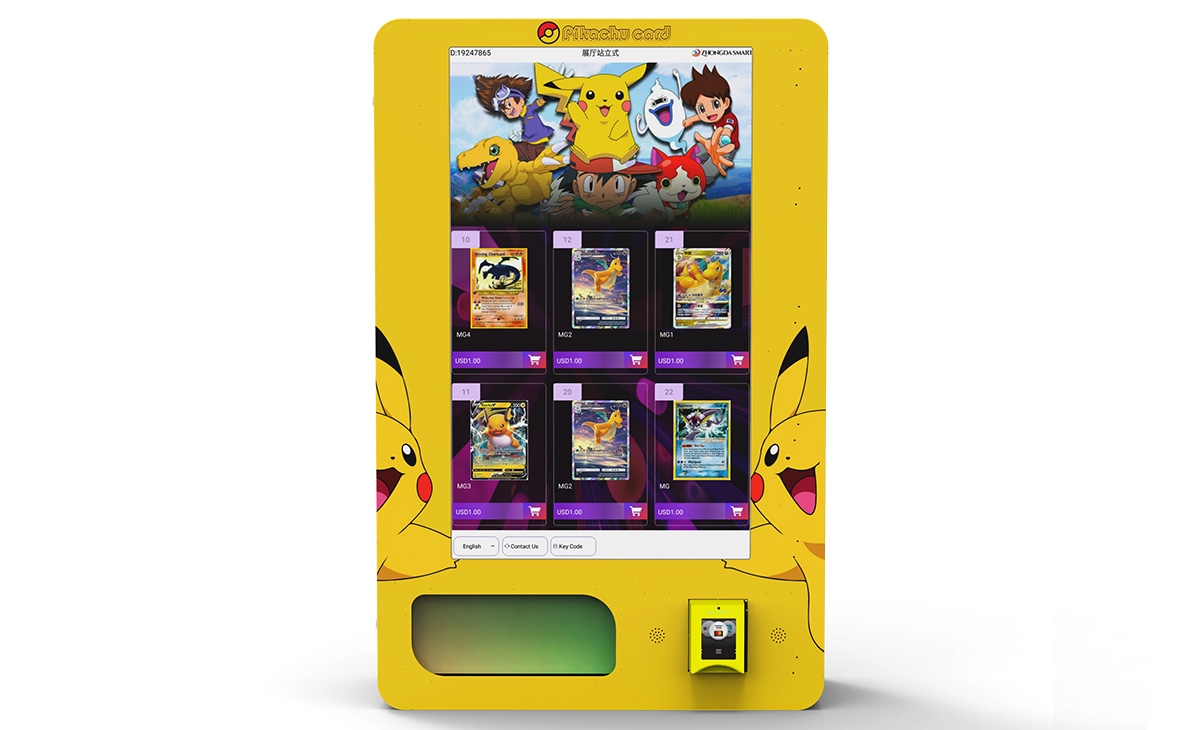
Maintenance is often overlooked by new operators. Here is what I do to keep my readers working:
- Clean the Reader Weekly: Dust and grime can block the NFC antenna. I use a soft, dry cloth. Never use water or cleaning solutions near the reader.
- Check the Connection Cables: Loose or damaged cables are a common cause of reader failure. I inspect the MDB cable every month and replace it at the first sign of wear.
- Update Firmware Quarterly: Even if the reader supports remote updates, I check the dashboard every three months to ensure the firmware is current. Outdated firmware can cause transaction failures.
- Monitor Transaction Success Rates: Most cloud dashboards show the percentage of successful transactions. If I see a drop below 95%, I investigate immediately. Often, the issue is a weak cellular signal or a dirty reader.
Final Thoughts on Choosing the Right Card Reader
After a decade in this business, I have come to see the card reader as the most critical component of any vending machine. It is the part that interacts with your customer, processes their payment, and ultimately determines whether they walk away with a product or walk away frustrated. When you search for a vending machine card reader for sale, do not just look at the price tag. Look at the connectivity, the warranty, the support, and the compatibility with your existing equipment. A reliable reader from a trusted supplier like Zhongda Smart will cost more upfront, but it will save you money in the long run through fewer failures, higher transaction rates, and lower maintenance costs. I have learned this the hard way, and I hope this guide helps you avoid the same mistakes.
Frequently Asked Questions
Is a vending machine with a card reader profitable?
Yes, in most cases. Based on my experience and industry data, machines with card readers generate 30% to 50% more revenue than cash-only machines. The key is choosing the right location and a reliable reader. Without a card reader, you are missing a large segment of customers who no longer carry cash.
How much does a vending machine card reader cost?
The cost ranges from $150 for a basic NFC reader to $800 for an integrated EMV reader with remote management. Installation adds another $50 to $250. Monthly service fees are typically $5 to $25, plus transaction fees of 1.5% to 3.5%.
How long does it take to recoup the investment in a card reader?
If the location generates at least 30 transactions per day, you can expect to recoup the reader cost within 3 to 6 months. In lower-traffic locations, it may take up to a year. I have seen readers pay for themselves in two months in high-volume office break rooms.
Should a beginner buy or lease a card reader?
I recommend buying outright if you have the capital. Leasing often comes with higher long-term costs and restrictive contracts. However, if you are testing a new location and want to minimize risk, some suppliers offer rental programs. Just read the fine print carefully.
Where is the best place to put a vending machine with a card reader?
Corporate offices, hospitals, universities, transit hubs, and busy retail areas are the best locations. Look for places with high foot traffic, a demographic that uses cards, and reliable power and cellular coverage.
What permits or licenses do I need?
Requirements vary by country and state. In the US, you typically need a business license and a sales tax permit. In the EU, you may need a vending machine operator license and must comply with GDPR for any customer data collected. Check with your local chamber of commerce or business development office.
How do I choose a reliable supplier for card readers?
Look for suppliers with EMV and PCI DSS certifications, a responsive support team, and a track record of delivering on time. I have had good experiences with Zhongda Smart for their retrofit kits and cloud platform. Always ask for references and read reviews from other operators.
What happens if the card reader breaks?
Most readers come with a one-year warranty. If it breaks, contact the supplier immediately. In the meantime, keep the machine set to accept cash as a backup. I always carry a spare reader in my vehicle for quick replacements at high-traffic locations.
How can I reduce restocking and maintenance costs?
Use a cloud-based management system to monitor inventory levels and sales data. This allows you to restock only when necessary, reducing trips. Also, invest in a reader with remote diagnostics so you can fix many issues without visiting the site.
Do I need a separate contract for card processing?
Yes, you will need a merchant account or a payment processing agreement. Some reader suppliers offer bundled processing, but compare rates with independent processors. I have saved up to 0.5% on transaction fees by negotiating directly with a processor.
本文更新于 2025 年 4 月。所有成本数据和收益估算均基于个人运营经验及公开行业报告,实际结果可能因地点、市场条件和操作效率而有所不同。本内容仅供参考,不构成财务或投资建议。