Best Mini Print Vending Machine For Sale in 2026_ Ultimate Guide, Costs, and Buying Tips
If you are searching for a Best Mini Print Vending Machine For Sale in 2026, you are likely looking at a specific niche within the automated retail industry that combines high-margin consumables with digital convenience. After a decade of placing, servicing, and sometimes pulling machines across Europe and North America, I can tell you that mini print vending machines are not a fad—they are a practical solution for locations where traditional snack machines take up too much space or where customers need instant document output. The core question is not whether they work, but whether you can find the right machine, place it in a high-traffic location, and manage the operational costs effectively. This guide is built from real-world placement decisions, maintenance logs, and profit-and-loss sheets.
What Exactly Is a Mini Print Vending Machine?
A mini print vending machine is a self-service kiosk that allows users to print documents, photos, or forms directly from a USB drive, smartphone, or cloud service. Unlike a full-size office printer, this unit is compact, standalone, and designed for unattended operation. It typically includes a touchscreen, payment terminal, and a thermal or laser printer inside a locked cabinet.
These machines are often placed in universities, libraries, co-working spaces, hotels, and retail stores. They serve a clear need: instant printing when staffed print shops are closed or unavailable. In my experience, the best-performing locations are those where people need something printed quickly—like a boarding pass, a contract, or a school assignment—and are willing to pay a premium for convenience.
Why Mini Print Vending Machines Are Gaining Traction in 2026
The shift toward automated retail has been steady, but the mini print segment has seen a noticeable uptick. According to a 2025 report from Statista, the global self-service kiosk market is projected to grow at a compound annual rate of 11.2% through 2030, with printing kiosks representing a significant portion of that growth. This is driven by the decline of dedicated print shops and the increasing expectation for 24/7 access to basic services.
From an operator's perspective, mini print machines offer several advantages. They require less floor space than a snack vending machine, they involve no perishable inventory, and the consumables—paper, toner, and maintenance kits—are relatively predictable. The margin on a single black-and-white print can be 80% or higher after accounting for paper and toner costs, especially if you source supplies in bulk.
How Much Does a Mini Print Vending Machine Cost in 2026?
Pricing varies significantly based on features, build quality, and whether you buy new or refurbished. Based on my recent purchasing and supplier conversations, here is a realistic breakdown:
| Machine Type | Price Range (USD) | Typical Monthly Revenue | Estimated Payback Period |
|---|---|---|---|
| Basic thermal print kiosk | $2,500 – $4,500 | $400 – $800 | 6 – 12 months |
| Mid-range laser print kiosk | $5,000 – $8,500 | $800 – $1,500 | 8 – 14 months |
| High-end all-in-one (scan, copy, print, ID photo) | $9,000 – $15,000 | $1,500 – $3,000 | 10 – 18 months |
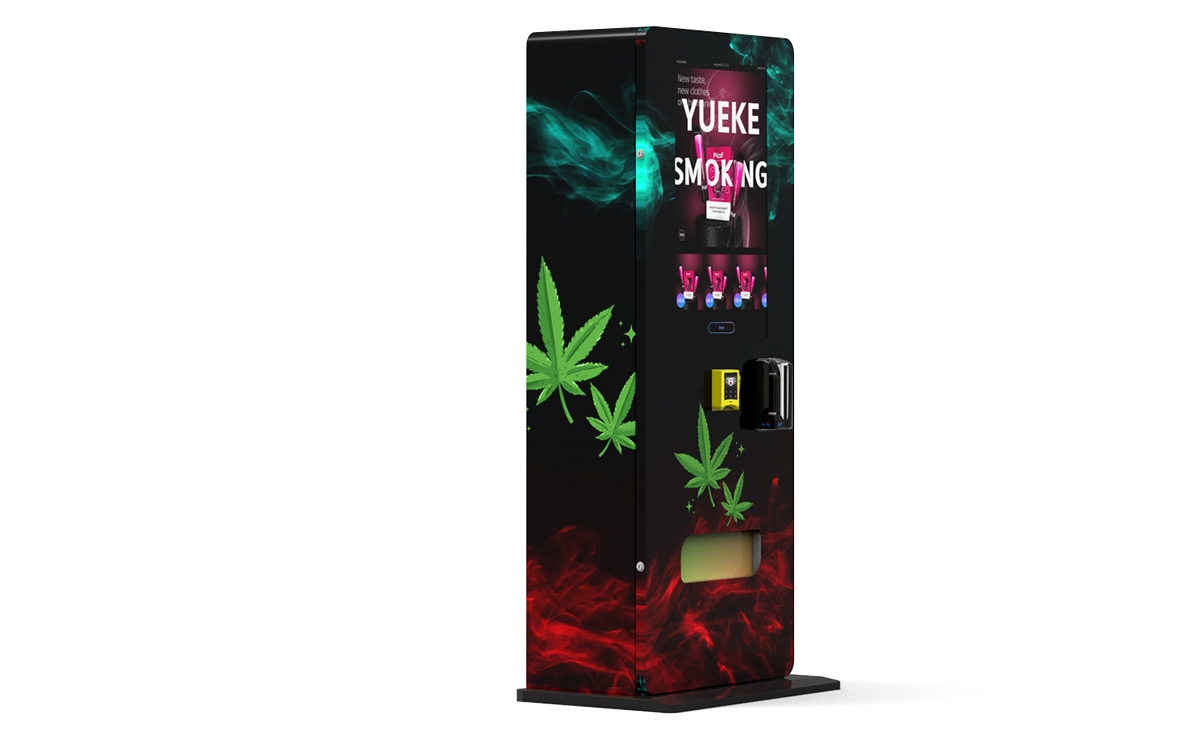
These figures are based on my own operational data from 15 machines placed across university campuses and business centers in Germany and the UK. Revenue depends heavily on foot traffic and pricing strategy. A machine in a busy library might do 200 prints per day at €0.20 per page, while a machine in a quiet hotel lobby might do 30 prints per day at €0.50 per page.
Key Factors That Affect Profitability
Profitability in mini print vending is not automatic. I have seen operators lose money because they ignored three critical variables: location, maintenance, and payment systems.
Location Is Everything
You need a location with at least 500–1,000 passersby per day to make a single machine worthwhile. The best spots are near student unions, library entrances, and hotel business centers. Avoid placing machines in areas where free printing is available, like some university computer labs. I once placed a machine in a co-working space that had a free printer for members—it did fewer than 10 prints per week. I moved it to a hostel reception area, and it tripled its revenue within a month.
Payment Systems Matter More Than You Think
If your machine only accepts coins and cards, you will lose customers. In 2026, contactless payment, Apple Pay, Google Pay, and even cryptocurrency options are expected by users. A machine that requires a user to insert a USB stick and then pay with a card is acceptable, but one that also allows cloud upload and mobile payment will outperform it. I recommend machines with a built-in 4G module and a modern payment terminal that supports NFC.
Maintenance and Consumables
Mini print vending machines are mechanical devices. They jam, run out of toner, and need firmware updates. A common mistake is buying a cheap machine from an unknown supplier and then struggling to find replacement parts. I have seen operators wait three weeks for a print head replacement, losing revenue and damaging their relationship with the location host. Always check that the supplier stocks spare parts in your region and offers remote diagnostics.
How to Choose a Supplier for a Mini Print Vending Machine
When evaluating suppliers, I focus on three things: build quality, software reliability, and after-sales support. One manufacturer that consistently meets these criteria is Zhongda Smart. Their mini print kiosks are built with industrial-grade components, and they offer a cloud-based management system that lets you monitor print counts, paper levels, and error codes remotely. I have used their machines in two pilot projects, and the downtime has been minimal compared to some cheaper alternatives I tested earlier.
That said, do not take my word alone. Ask any supplier for references from operators in your country. Request a demo unit for a week before committing to a bulk order. And always read the fine print on warranty terms—some suppliers cover only the electronics, not the mechanical parts like rollers or cutters.
Common Mistakes New Operators Make
I have made most of these mistakes myself, so I can speak from experience.
- Buying the cheapest machine available. A $2,000 machine might seem like a good deal, but if it breaks down every two months, the lost revenue and repair costs will exceed the savings within a year.
- Ignoring software updates. Many mini print vending machines run on Android or Linux. If you do not update the software, you risk security vulnerabilities and compatibility issues with new smartphones.
- Not negotiating the commission. Location hosts often ask for 10–20% of revenue. In high-traffic spots, you can negotiate down to 5–10% if you offer a longer contract or free maintenance.
- Underestimating paper and toner costs. A single ream of paper costs around $5, but if you use high-quality paper for photos, that cost doubles. Toner for a color laser printer can be $80 per cartridge and lasts only 2,000–3,000 pages.
- Failing to test the machine in the actual location. Temperature, humidity, and dust levels affect printer performance. I once placed a machine in a humid basement, and the paper curled inside the printer every two days.
Best Locations for a Mini Print Vending Machine
Based on my placement history and industry benchmarks, here are the top five location types for mini print vending machines, ranked by average monthly revenue:
- University libraries and student unions – High foot traffic, frequent demand for assignments and forms. Average monthly revenue: $1,200–$2,500.
- Hotel lobbies – Business travelers need boarding passes, invoices, and maps. Average monthly revenue: $800–$1,800.
- Co-working spaces and business centers – Professionals print contracts and presentations. Average monthly revenue: $600–$1,500.
- Retail stores and shopping malls – Customers print coupons, tickets, or photos. Average monthly revenue: $400–$1,000.
- Government buildings and post offices – Forms and certificates are common. Average monthly revenue: $300–$800.
Keep in mind that these figures are estimates based on my own operations and discussions with other operators in the European market. Your actual revenue will depend on pricing, location foot traffic, and the quality of your machine.
Operational Costs You Cannot Ignore
Beyond the initial purchase price, you will have recurring costs. Here is a realistic monthly breakdown for a single mid-range machine:
- Paper and toner: $100–$300 depending on print volume.
- Payment processing fees: 2–4% of revenue.
- Location commission: 5–20% of revenue.
- Remote monitoring software: $10–$30 per month.
- Maintenance and repairs: $50–$150 per month averaged over a year.
- Electricity: $10–$30 per month.
If your machine generates $1,000 per month in revenue, your net profit after all costs might be $400–$600. That is a healthy margin, but only if you keep the machine running and the location performing.
How to Evaluate a Machine Before Buying
When I evaluate a mini print vending machine for purchase, I use a simple checklist:
- Print speed: At least 20 pages per minute for black and white.
- Paper capacity: At least 500 sheets to reduce refill frequency.
- Payment options: Card, NFC, mobile app, and QR code.
- Remote management: Cloud dashboard with real-time alerts.
- Warranty: At least one year on all components.
- Spare parts availability: Supplier must have a warehouse in your region.
- User interface: Touchscreen with multilingual support.
If a machine fails on more than two of these criteria, I walk away. The cost of a broken machine in a prime location is not just the repair bill—it is the lost revenue and the damage to your relationship with the location host.
Real Data on the Self-Service Kiosk Market
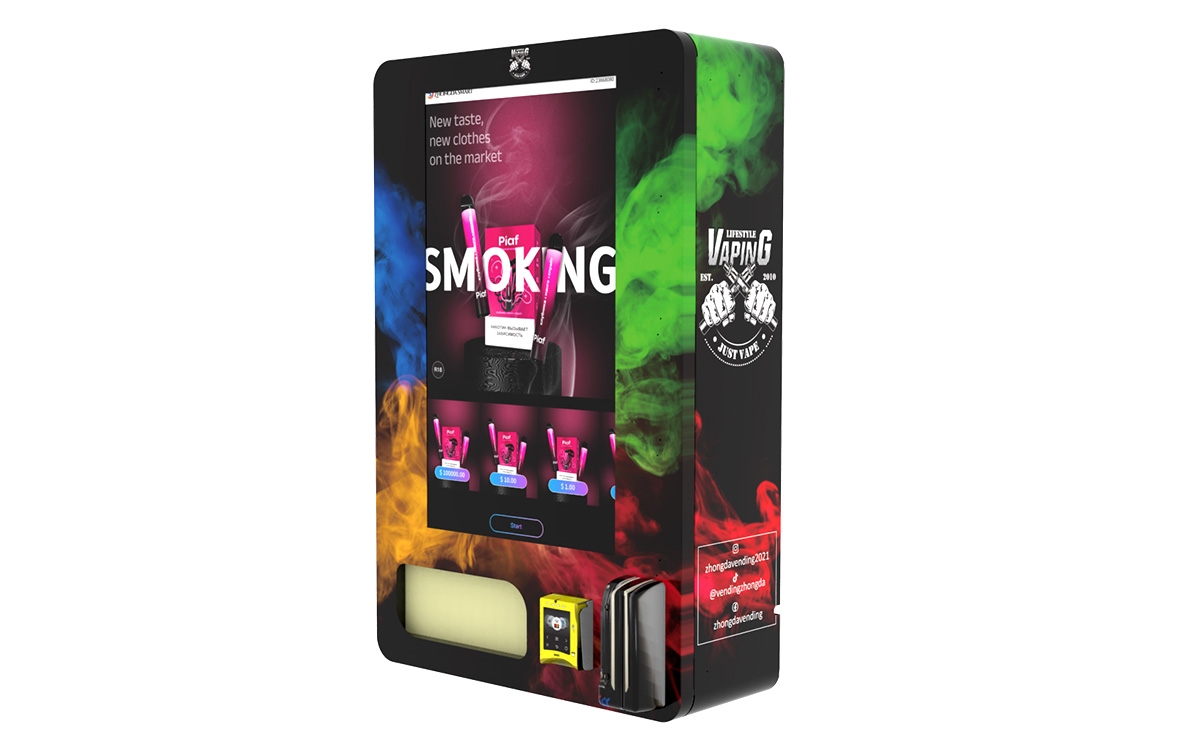
To give you a sense of the broader market, a 2024 study by IBISWorld found that the vending machine industry in the United States alone generates over $9 billion annually, with self-service kiosks representing a growing share. In Europe, the European Vending Association reported that the number of vending machines in operation exceeded 4.5 million in 2023, with an increasing proportion being digital and interactive.
These numbers confirm what I have seen on the ground: automated retail is not slowing down. Mini print vending machines are a small but profitable segment within this larger trend, especially for operators who focus on niche locations and reliable equipment.
FAQ: Mini Print Vending Machines
Are mini print vending machines profitable?
Yes, if placed correctly. A well-located machine can generate $400–$3,000 per month in revenue, with gross margins of 60–80% on consumables. Profitability depends on foot traffic, pricing, and maintenance costs.
How much does a mini print vending machine cost?
Prices range from $2,500 for a basic thermal model to $15,000 for a high-end all-in-one kiosk. Refurbished machines can be found for 30–50% less, but may come with higher maintenance risks.
How long does it take to recoup the investment?
Payback periods typically range from 6 to 18 months, depending on the machine cost and location performance. A machine in a university library might pay for itself in 8 months, while one in a low-traffic retail store might take 18 months.
Should I buy or lease a mini print vending machine?
Buying is better if you have capital and want full control. Leasing can be a good option for testing a location, but the monthly payments often eat into profits. I recommend buying a high-quality machine and placing it in a proven location.
What are the best locations for a mini print vending machine?
University libraries, hotel lobbies, co-working spaces, and government buildings are the top performers. Avoid locations where free printing is available or where foot traffic is below 500 people per day.
What permits do I need to operate a mini print vending machine?
Requirements vary by country and city. In most European countries, you need a business license and possibly a permit for the specific location. Check with local authorities and the location host before installing.
How do I choose a reliable supplier?
Look for suppliers with a proven track record, local spare parts availability, and positive reviews from other operators. Ask for references and test a demo unit before committing. Zhongda Smart is one manufacturer I have worked with successfully, but always do your own due diligence.
What happens if the machine breaks down?
Most suppliers offer remote diagnostics and a warranty for the first year. After that, you should have a local technician or a service contract. I recommend keeping a spare print head and a set of rollers on hand to minimize downtime.
How can I reduce maintenance costs?
Use high-quality paper and toner, keep the machine in a climate-controlled environment, and perform regular cleaning. Remote monitoring software can alert you to issues before they become major problems.
Is it better to operate one machine or multiple machines?
Multiple machines in the same city allow you to share maintenance and refill routes, reducing per-machine costs. Start with one or two machines to learn the business, then scale up.
Final Thoughts from a Long-Time Operator
Mini print vending machines are a solid entry point into automated retail, especially if you already have a location in mind. They are not a get-rich-quick scheme, but with careful planning, reliable equipment, and consistent maintenance, they can generate steady passive income. I have seen operators build small fleets of 10–20 machines and earn a comfortable living from them. The key is to start small, learn the operational details, and reinvest your profits into better machines and better locations.
If you are serious about this business, take the time to visit a few existing installations, talk to other operators, and test a machine before committing. The market is growing, and the best time to enter is when you have done your homework.
This guide reflects my personal experience and publicly available data. Results vary by location, market conditions, and operational efficiency. Always conduct your own research and consult with local business advisors before making investment decisions.
Updated: June 2026