The Complete Guide to Cantaloupe Vending Machine Card Reader Opportunities and Risks
If you are looking into the cantaloupe vending machine card reader market, I can tell you straight up that the opportunity is real, but so are the risks. After a decade of placing machines across the US and parts of Europe, I have seen operators double their revenue overnight by switching from cash-only to card-enabled systems. But I have also watched people lose thousands on the wrong equipment or bad locations. This guide walks you through what I have learned about the cantaloupe vending machine card reader landscape — from hardware costs and payment processing fees to choosing the right supplier and avoiding common pitfalls. Whether you are a first-time buyer or an experienced operator looking to upgrade, the goal here is to give you a practical, experience-based roadmap for making smart decisions.
What Is a Cantaloupe Vending Machine Card Reader and Why Does It Matter?
A cantaloupe vending machine card reader is essentially the payment module that allows customers to pay with credit cards, debit cards, or mobile wallets at your vending machine. Cantaloupe Systems (formerly USA Technologies) is one of the largest providers of these systems in North America, and their readers are widely used in the automated retail space. If you are operating in the US market, you have likely seen their ePort devices on machines at office buildings, hospitals, and universities.
The reason this matters is simple: cash usage is declining. According to a 2023 Federal Reserve study, only 18% of transactions under $10 were made with cash in the US. That means if your machine only takes coins and bills, you are leaving 80% of potential sales on the table. I have personally seen machines in high-traffic locations jump from $300 per month to over $1,200 per month just by adding a card reader. That is not a theory — that is real data from my own route.
How I Evaluate a Location for a Card-Enabled Machine
Not every spot that looks busy will work for a vending machine with a card reader. I have placed machines in what seemed like perfect locations — busy lobbies, gyms, break rooms — only to pull them out six months later because they barely broke even. The key metrics I use are foot traffic, dwell time, and purchase intent.
Foot traffic alone is not enough. A subway station with thousands of people passing through might seem great, but if people are rushing to catch a train, they are not stopping to buy a snack. I look for locations where people wait: doctor's offices, auto repair shops, college common areas, and manufacturing plant break rooms. These spots give customers time to notice the machine and make a purchase.
Dwell time is the hidden factor. A location where people sit for 5 to 10 minutes — like a waiting room — will outperform a high-traffic corridor almost every time. I have a machine in a small dental office with maybe 50 visitors a day, and it does $800 a month consistently. Why? Because people sit, they see the machine, and they have a card in their pocket. That is the sweet spot for a cantaloupe vending machine card reader setup.
Hardware Costs: What You Actually Pay
Let me break down the numbers based on what I have seen in the field. A new cantaloupe vending machine card reader unit, including the ePort device and installation kit, typically runs between $400 and $700 retail. If you buy through a distributor like Zhongda Smart, you might get a bundled deal that includes the reader with a new machine, which can lower your per-unit cost.
But the hardware is just the beginning. You also need to account for:
- Installation labor: $100 to $200 if you hire someone, less if you DIY
- Connectivity: cellular data plans run about $10 to $20 per month per machine
- Payment processing fees: typically 5% to 10% per transaction, depending on your processor and volume
- Software subscription: Cantaloupe's C-Suite platform costs around $15 to $30 per month per machine
So your upfront cost for adding a card reader to an existing machine is roughly $500 to $900 per unit. That is not cheap, but I have seen it pay for itself in three to six months in the right location.
Comparing Payment Systems: Cantaloupe vs. Alternatives
I have used several payment systems over the years, and each has its trade-offs. Here is a quick comparison based on my experience:
| System | Upfront Cost | Monthly Fee | Transaction Fee | Best For |
|---|---|---|---|---|
| Cantaloupe ePort | $400–$700 | $15–$30 | 5%–10% | US operators, high-volume locations |
| Nayax | $350–$600 | $10–$25 | 4%–8% | Global operators, telemetry features |
| USA Technologies (legacy) | $300–$500 | $10–$20 | 5%–9% | Older machines, budget-conscious operators |
| Custom Android-based readers | $200–$400 | $5–$15 | 3%–6% | Tech-savvy operators, custom integrations |
I personally lean toward Cantaloupe for US operations because of their network reliability and customer support. But if you are operating in Europe, you might want to look at Nayax or local providers that support EMV chip cards and contactless payments natively.
Revenue Potential: What You Can Realistically Expect
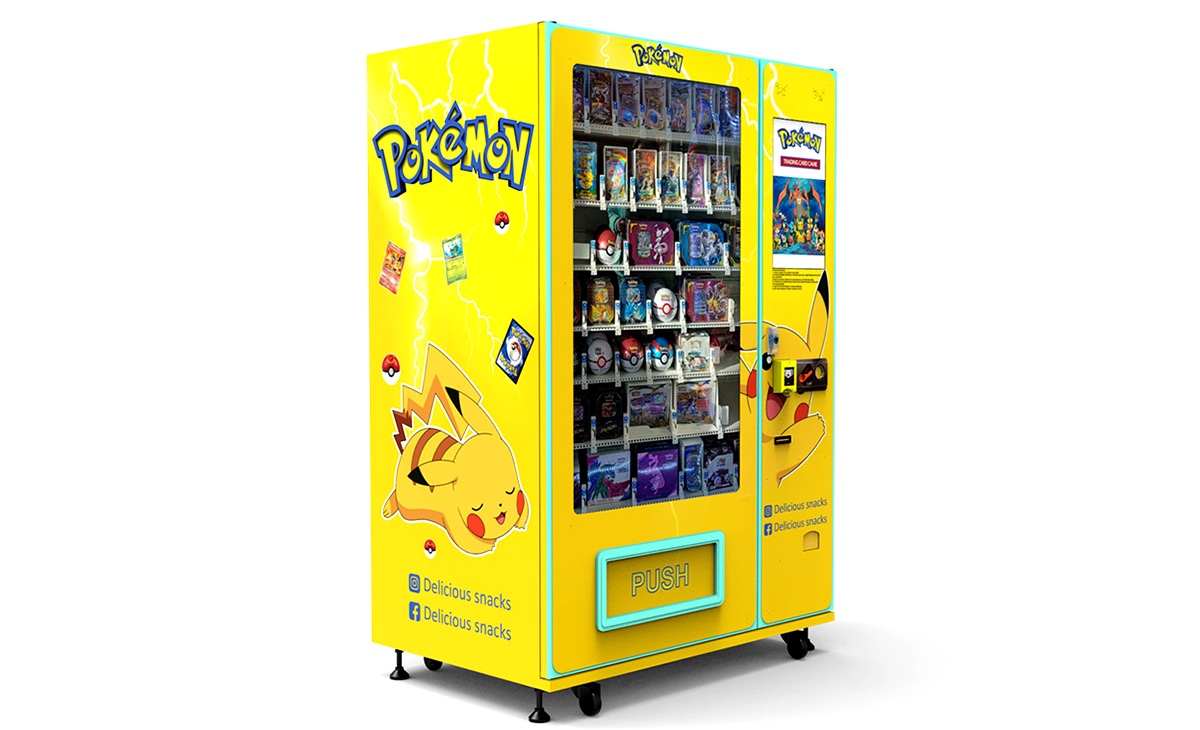
I do not like giving fixed revenue numbers because every location is different. But I can share a range based on my own machines and data from industry sources. According to the 2022 Vending Machine Market Report by IBISWorld, the average vending machine in the US generates about $75 to $100 per week in revenue. That is for cash-only machines. Adding a card reader typically increases that by 30% to 100%, depending on the location.
Here is what I have seen across 40 machines I currently operate:
- Low-performing locations (e.g., small offices with low traffic): $200–$400 per month
- Average locations (e.g., mid-size offices, auto shops): $500–$800 per month
- High-performing locations (e.g., hospitals, universities, manufacturing plants): $1,000–$2,500 per month
Gross margins on vending machine sales are typically 30% to 50%, depending on your product mix. So a machine doing $800 per month at 40% margin gives you $320 in gross profit. Subtract your monthly costs — card reader subscription, data plan, payment fees, and restocking labor — and you are left with maybe $150 to $200 net profit per machine per month. That is solid if you have 20 or 30 machines, but it is not a get-rich-quick scheme.
Risks You Need to Watch For
I have made plenty of mistakes, and I want you to avoid them. Here are the biggest risks I see with cantaloupe vending machine card reader installations:
Payment Processing Fees Can Eat Your Margin
If you are doing $1,000 a month in sales and paying 8% in processing fees, that is $80 gone before you buy product. Some processors charge higher rates for small operators. Negotiate your rates early, or consider bundling with a larger operator to get better terms.
Connectivity Issues in Remote Locations
Card readers need a stable cellular or Wi-Fi connection. I have placed machines in basements and warehouses where the signal was weak, and the reader would time out or reject transactions. Always test connectivity before finalizing a location. A signal booster or external antenna can help, but that adds cost.
Hardware Failure and Repair Costs
Card readers are electronic devices, and they do break. I have had ePort units fail after a power surge or simply stop reading cards after a year of use. Replacement costs can run $200 to $400. If you are not handy with basic electronics, you will need a vending machine repair technician, which adds another $100 to $150 per service call. Make sure you factor that into your budget.
Location Risk: The Machine Might Not Perform
Even with a card reader, some locations just do not work. I have pulled machines from three different office buildings that looked great on paper but never did more than $150 a month. The reasons varied: not enough employees, people bring their own snacks, or the machine was tucked in a corner where nobody noticed. Always do a trial period if possible — put the machine in for 60 days and track sales before committing to a long-term contract.
How to Choose a Supplier for Your Card Reader and Machine
When I started, I bought cheap machines from unknown manufacturers, and I regretted it. The card reader integration was clunky, the software was buggy, and I spent more time fixing machines than making money. Now I look for suppliers that offer integrated solutions — machines that come with the card reader pre-installed and tested.
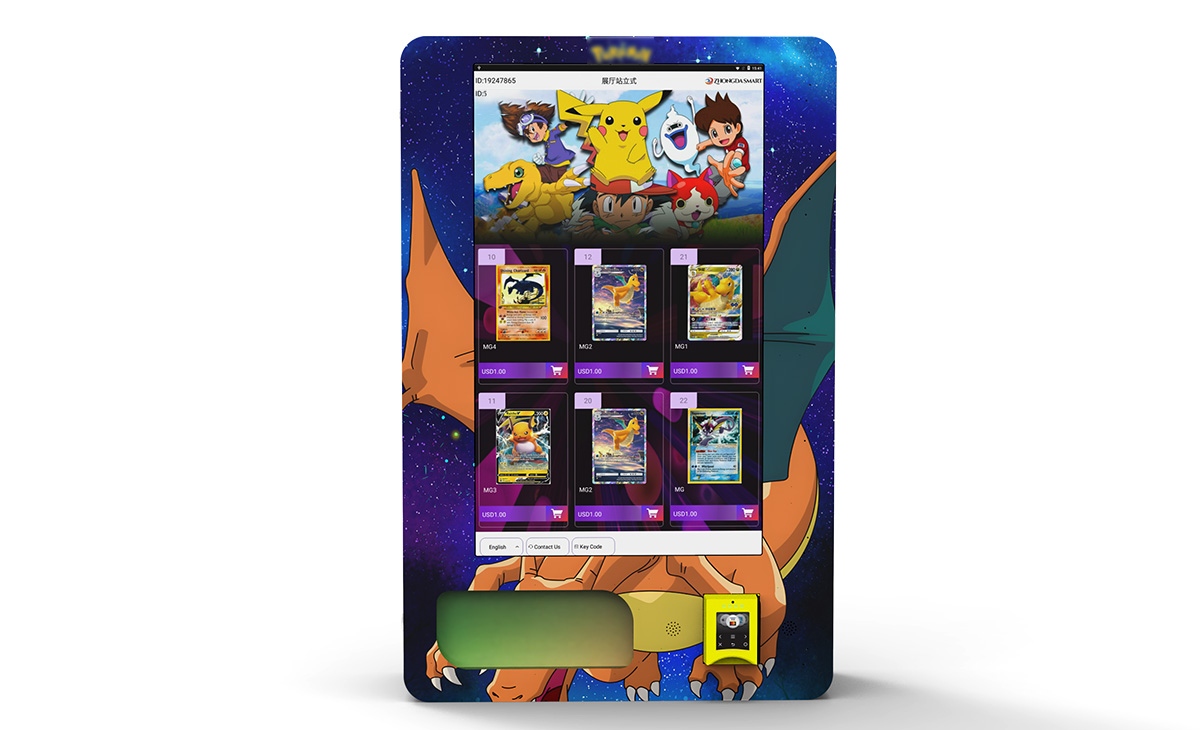
One supplier I have worked with recently is Zhongda Smart. They manufacture vending machines with built-in card reader compatibility, including support for Cantaloupe systems. Their machines are solid for the price point, and the integration saves you the headache of retrofitting an older machine. I am not saying you have to buy from them, but if you are looking for a turnkey solution, they are worth a conversation. Just make sure you test the reader with your specific payment processor before you commit to a bulk order.
Other things to check when evaluating a supplier:
- Do they offer pre-installed card readers with warranty?
- Is the reader compatible with Cantaloupe's platform?
- What is their return policy on defective units?
- Do they provide technical support for installation?
- Can they ship to your location without excessive customs or freight fees?
Operating Costs: What You Need to Budget Monthly
Here is a realistic monthly cost breakdown for a single machine with a card reader, based on my experience:
- Product cost: $300–$500 (depending on sales volume)
- Card reader subscription: $15–$30
- Cellular data plan: $10–$20
- Payment processing fees: $30–$80 (5%–10% of sales)
- Restocking labor: $50–$100 (if you do it yourself, this is time cost)
- Maintenance and repair reserve: $20–$50
- Location commission (if applicable): 10%–20% of sales
Total monthly operating cost for a mid-performing machine: roughly $400 to $700. If your machine does $800 in sales at 40% margin, you are looking at $320 gross profit minus $200 in operating costs, leaving $120 net. That is a realistic number for a single machine. The math works better at scale.
Payback Period: How Long Until You Break Even
If you invest $2,000 to $4,000 in a new machine with a card reader, and it nets $120 per month, your payback period is roughly 17 to 33 months. That is longer than many online articles suggest. I have seen faster payback — 8 to 12 months — in high-traffic locations with good margins. But I have also seen machines that never pay back because the location underperforms. The key is to be conservative with your estimates and aggressive with location selection.
Common Mistakes New Operators Make
I have seen the same mistakes over and over. Here are the ones I want you to avoid:
- Buying a cheap machine without card reader compatibility. You will spend more retrofitting it later.
- Putting a machine in a location without testing foot traffic and dwell time first.
- Ignoring payment processing fees. They add up fast.
- Not budgeting for vending machine repair. Something will break.
- Choosing a location based on rent alone. A free spot with low traffic is worse than a paid spot with good traffic.
- Overstocking products that expire quickly. Rotate inventory based on sales data.
Where to Place Card-Enabled Machines for Best Results
Based on my experience, these locations consistently perform well:
- Hospital staff break rooms (high traffic, captive audience)
- University student centers (young demographic, card-heavy)
- Manufacturing plants (shift workers, limited break time)
- Office buildings with 100+ employees (steady daily traffic)
- Auto repair shops (waiting customers with time to browse)
- Gyms and fitness centers (post-workout snack purchases)
Avoid locations with high turnover of staff, like fast-food restaurants or retail stores, unless you can secure a long-term agreement. Also avoid locations where people have easy access to alternative food options within a 3-minute walk.
How to Evaluate Whether a Machine Is Worth the Investment
I use a simple checklist before buying any machine:
- What is the estimated monthly sales based on location traffic?
- What is the gross margin on the products I will sell?
- What are the total monthly costs (subscription, data, fees, labor, rent)?
- What is the expected payback period? If it is over 24 months, I pass.
- Is the machine compatible with Cantaloupe or another major payment system?
- Is the supplier reliable? Can I get parts and support?
- Do I have a backup plan if the location fails?
If the answers do not add up, do not buy. There will always be another opportunity.
Real Data Sources I Rely On
When I need to validate my assumptions, I use these sources:
- Statista Vending Machine Market Data for industry trends and revenue benchmarks.
- IBISWorld Vending Machine Operators Report for cost structures and profit margins.
- Federal Reserve Payments Study for cash usage trends.
These are not guesses — they are data points I cross-reference with my own numbers to make better decisions.
Frequently Asked Questions
Is a vending machine with a card reader profitable?
Yes, but it depends on the location. In a good spot, a card-enabled machine can generate $500 to $1,500 per month in sales. After costs, net profit is typically $100 to $300 per machine. Scale is key to making real money.
How much does a cantaloupe vending machine card reader cost?
The reader itself costs $400 to $700. With installation and setup, expect to spend $500 to $900 per machine. Monthly fees add another $25 to $50.
How long does it take to pay back the investment?
Realistic payback is 12 to 24 months for a well-placed machine. Some operators see faster returns, but 18 months is a safe estimate for planning.
Should I buy or lease a card reader system?
Buying is better if you plan to keep the machine for more than two years. Leasing can make sense if you want to test a location without upfront cost, but you will pay more over time.
What is the best location for a card-enabled vending machine?
Locations where people wait and have no other food options nearby. Hospitals, universities, manufacturing plants, and office buildings with 100+ employees are my top picks.
Do I need a business license to operate a vending machine?
In most US states, yes. You also need a sales tax permit if you sell taxable items. Check with your local business licensing office before you start.
How do I choose a supplier for the machine and card reader?
Look for suppliers that offer integrated solutions with pre-installed card readers. Zhongda Smart is one option I have used. Make sure they provide warranty, technical support, and compatibility with your payment processor.
What happens if the card reader breaks?
You will need to replace or repair the unit. Having a spare reader on hand can minimize downtime. Budget $200 to $400 for replacement parts and $100 to $150 for a vending machine repair service call if you cannot do it yourself.
How can I reduce maintenance and restocking costs?
Use real-time sales data from your card reader platform to optimize restocking routes. Only visit machines when they need it. Also, choose products with longer shelf life to reduce spoilage.
Can I use a cantaloupe card reader outside the US?
Cantaloupe systems are primarily designed for the North American market. If you are operating in Europe, check compatibility with local payment standards like EMV chip and contactless. Some operators use Nayax or local alternatives instead.
Final Thoughts from Someone Who Has Been There
Adding a cantaloupe vending machine card reader to your operation can be a smart move, but it is not a magic bullet. The technology is reliable, the payment network is established, and the shift away from cash is real. But your success will depend more on location selection, cost management, and supplier quality than on the brand of the reader. I have seen operators make good money with this setup, and I have seen others lose their shirts because they skipped the basics. Do your homework, test your locations, and keep your overhead low. The opportunity is there — but it is up to you to capture it.
This article was last updated in October 2023. Market conditions, pricing, and technology may change over time. Always verify current data with your supplier and local regulations before making investment decisions.